4G AIRSPOT 220 Wi-Fi рутер с дисплей
Не са намерени никакви елементи.
Не са намерени никакви елементи.
Всички въпроси
4G AIRSPOT 220 Wi-Fi рутер с дисплей
Не са намерени никакви елементи.
Не са намерени никакви елементи.
Как да поставите SD-картата в Hotspot 150?
Как да поставите SD-картата в Hotspot 150?
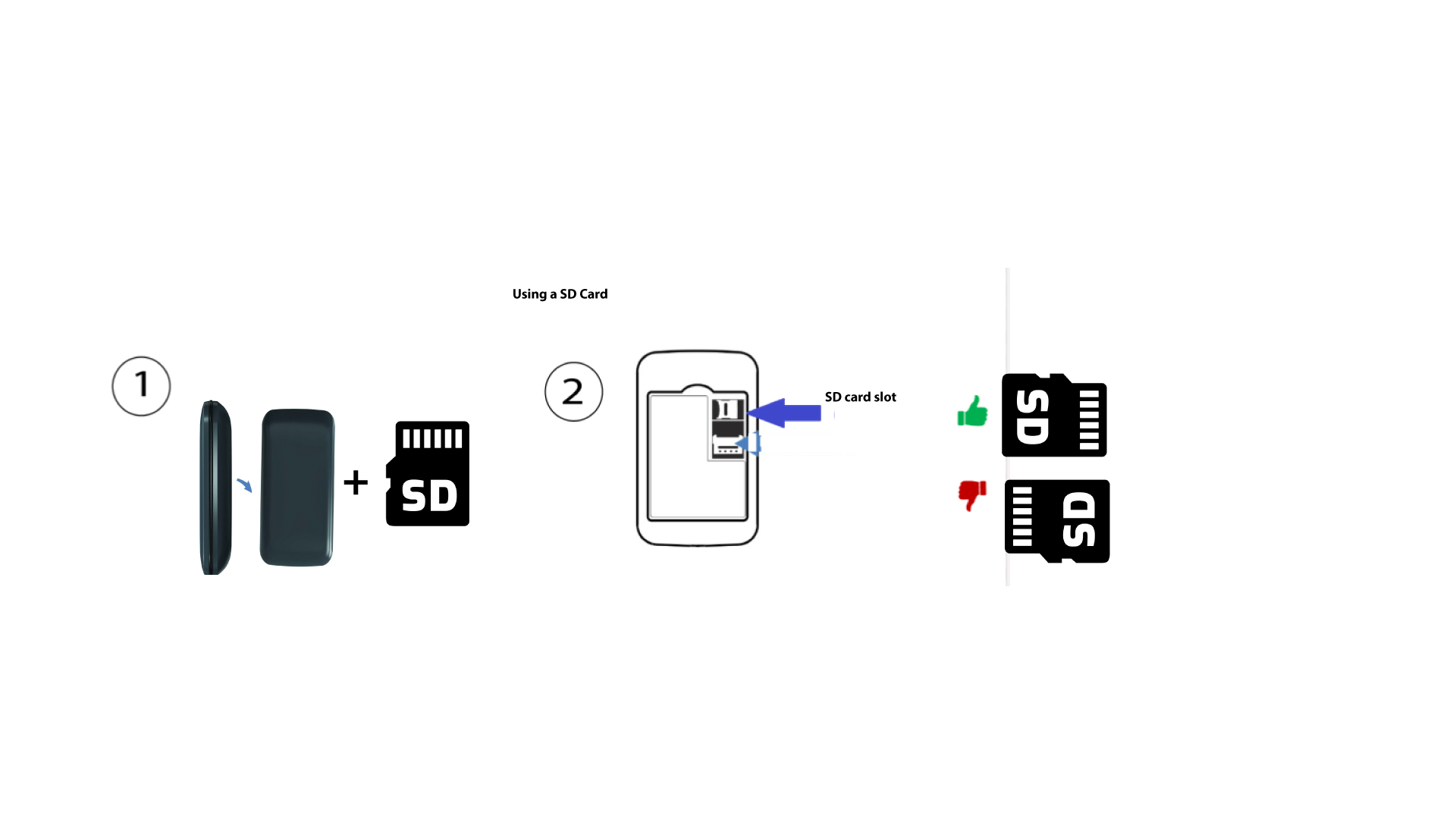
За да поставите SD-картата в рутера, първо трябва да изключите устройството, като натиснете бутона за включване/изключване и го задържите натиснат в продължение на пет секунди.
1
Поставете SD-картата
След това махнете капака и поставете SD-картата в слота, намиращ се в горния десен ъгъл на задната част на устройството.