
4G AIRSPOT 220 Wi-Fi рутер с дисплей
Не са намерени никакви елементи.
Не са намерени никакви елементи.
Всички въпроси
4G AIRSPOT 220 Wi-Fi рутер с дисплей
Не са намерени никакви елементи.
Не са намерени никакви елементи.
Какво означават различните състояния на SIM-картата в уеб интерфейса и на екрана на устройството?

Предупреждение: Преди да се свържете с уеб интерфейса, уверете се, че SIM-картата ви е поставена правилно и че PIN-кодът е деактивиран или е въведен.
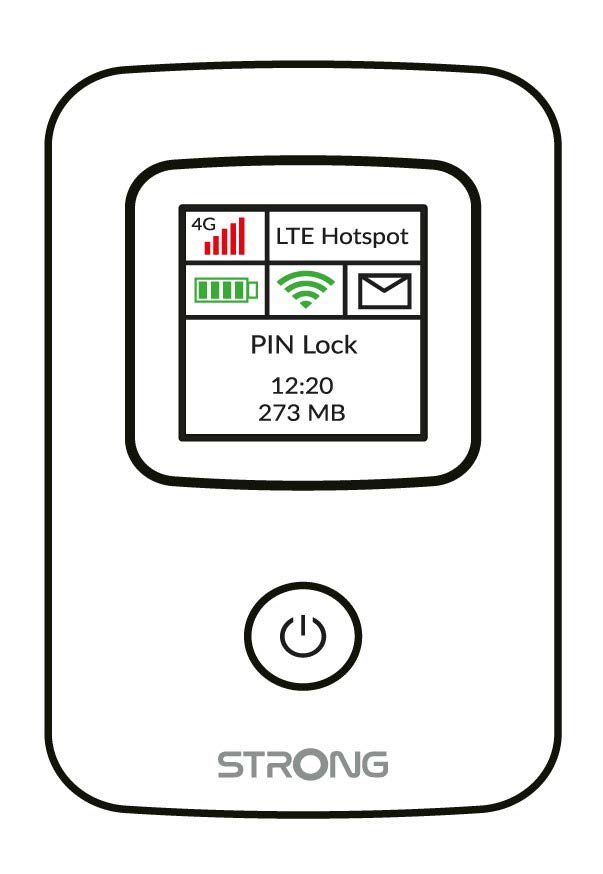
Можете да видите състоянието на SIM-картата си на екрана на 4G PORTABLE HOTSPOT 150:
Поставете SIM-картата: SIM-картата не е поставена правилно в устройството или в слота няма SIM-карта.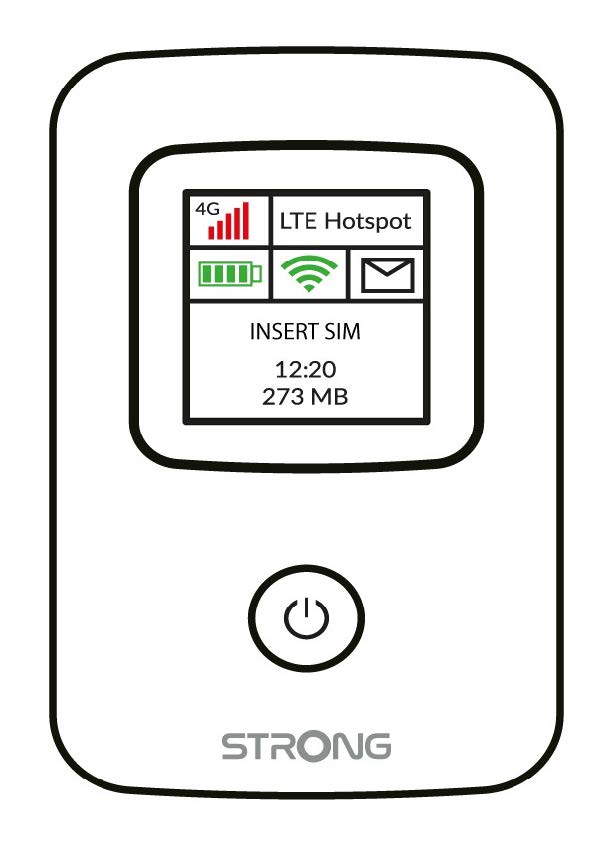
- PIN-блокировка: SIM-картата е поставена и разпозната, но не функционира поради PIN-кода.
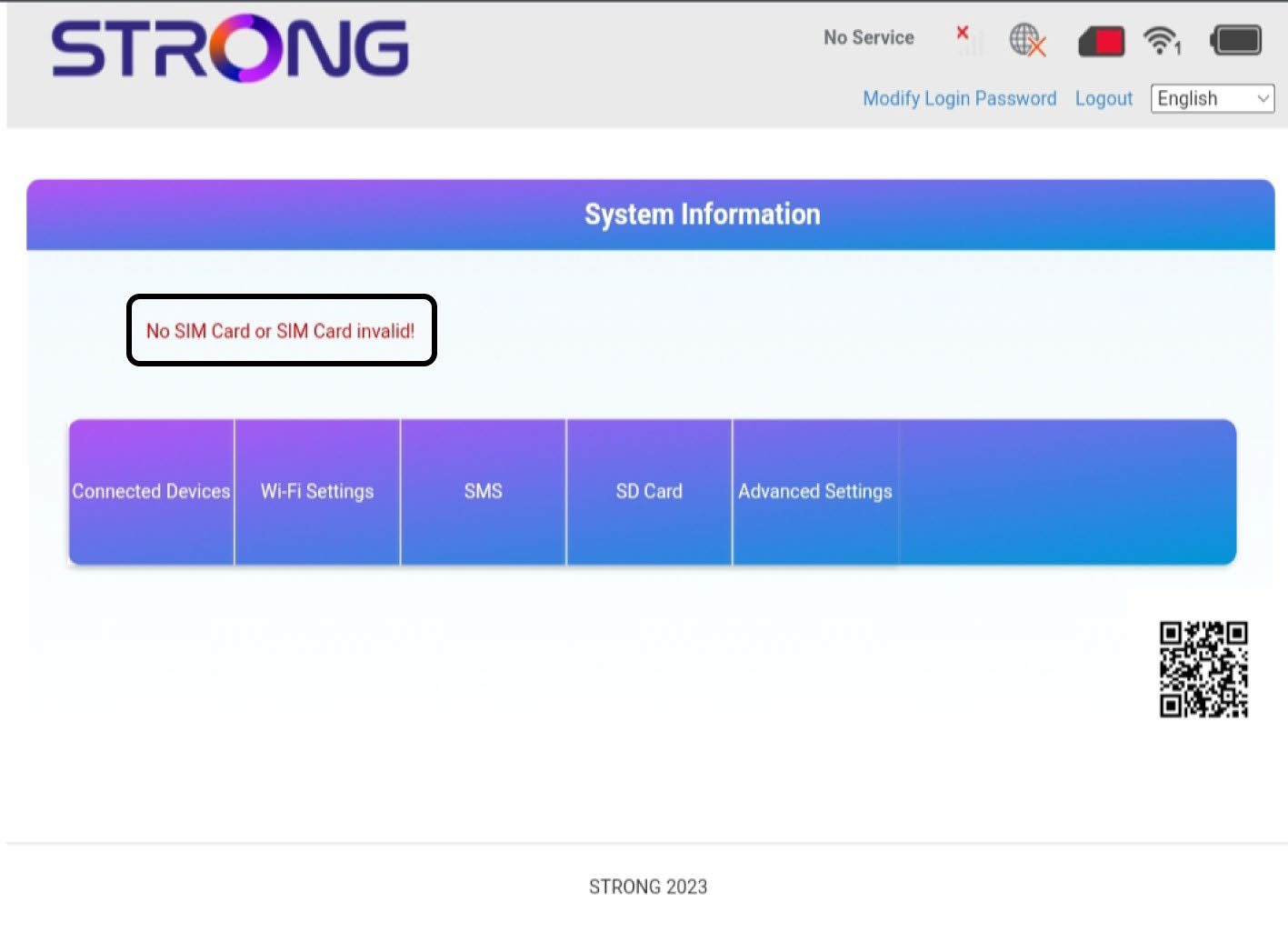
След като влезете в уеб интерфейса, ще забележите, че до реда със състоянието на SIM-картата могат да се показват няколко различни състояния:
Липсва SIM-карта или SIM-картата е невалидна: SIM-картата е поставена и е разпозната, но не работи поради липса на PIN код.  SIM-картата не е поставена правилно в устройството или в слота няма SIM-карта.
Нормално: SIM-картата е поставена правилно в устройството и е отключена. Виждате началната страница на уеб интерфейса.

- Ако SIM-картата е заключена с ПИН-код, трябва да се свържете с уеб интерфейса, за да го въведете и да отключите SIM-картата.
- Ако SIM-картата не се разпознава, моля, проверете дали златистата страна не се вижда, когато SIM-картата е поставена в слота.
- Ако SIM-картата не е поставена правилно, поставете я отново в слота и проверете дали SIM-картата все още се намира в адаптера.