5G AIRHOME 1050 | Wi-Fi 6
Všechny otázky
5G AIRHOME 1050 | Wi-Fi 6
Jak zadám PIN kód své SIM karty?
Chcete-li zadat PIN kód SIM karty, musíte se připojit k webovému uživatelskému rozhraní.
1. Připojte sek Wi-Fi sítě svého routeru
Chcete-li to provést, zadejte do svého zařízení SSID (název sítě Wi-Fi) a heslo k Wi-Fi routeru:

2. VyhledejteIP adresu webového uživatelského rozhraní
Poté zadejte do prohlížeče následující IP adresu: 192.168.0.1

3. Přihlašovacístránka
Je nutné zadat uživatelské jméno a heslo ( tyto údaje jsou uvedeny na štítku umístěném na spodní straně zařízení; nové heslo správce, které si nastavíte po prvním přihlášení, si prosím poznamenejte). Poté klikněte na „Přihlásit se“.

4Zadejtesvé přihlašovací údaje
Při prvním připojení k webovému uživatelskému rozhraní se zobrazí varovná zpráva, která vás vyzve k zadání PIN kódu kliknutím na tlačítko pro připojení.
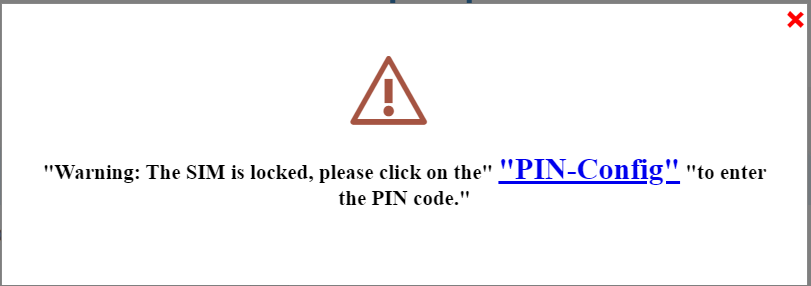
5Zadejtesvůj PIN kód
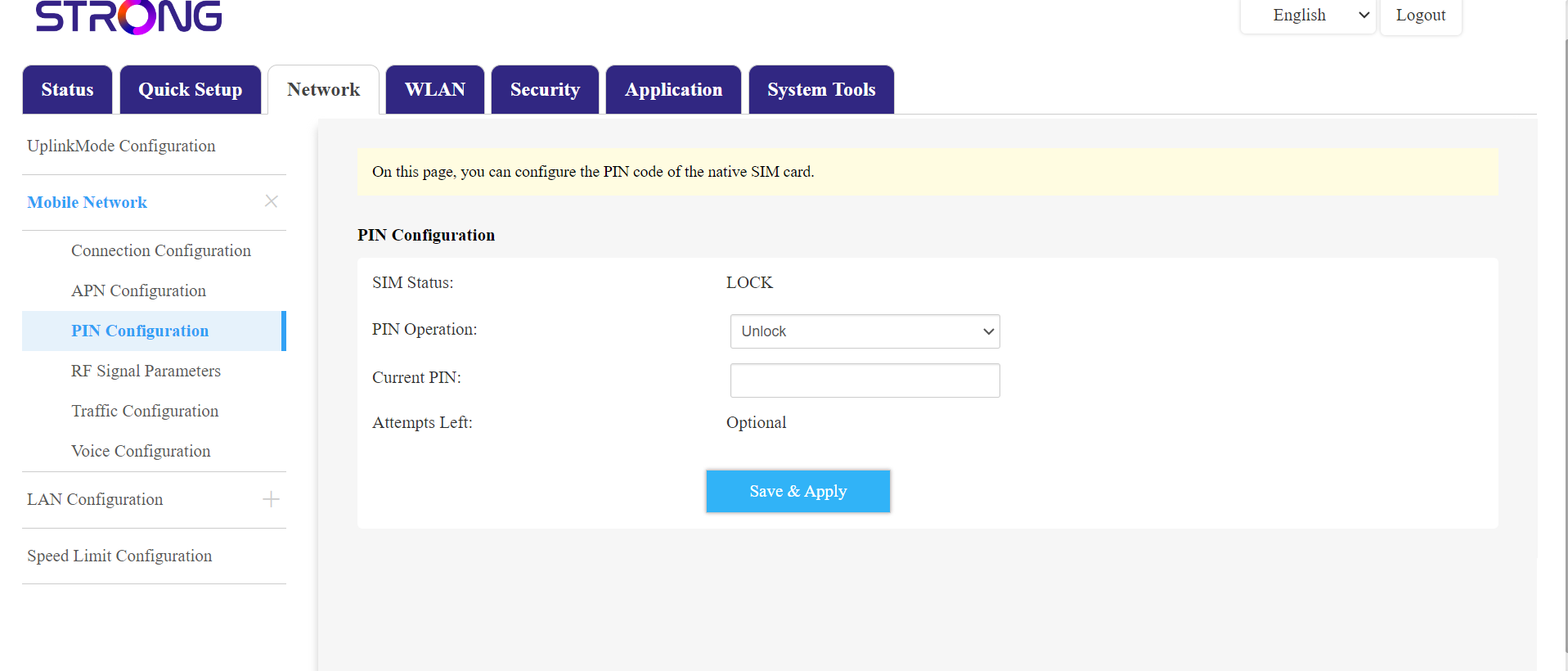
Poté přejděte v horní liště do části „Síť“, následně do sekce „Mobilní síť“ a klikněte na „Nastavení PIN kódu“.
Do pole zadejte svůj PIN kód a klikněte na „Odeslat“.
SIMkarta 6je odblokovaná
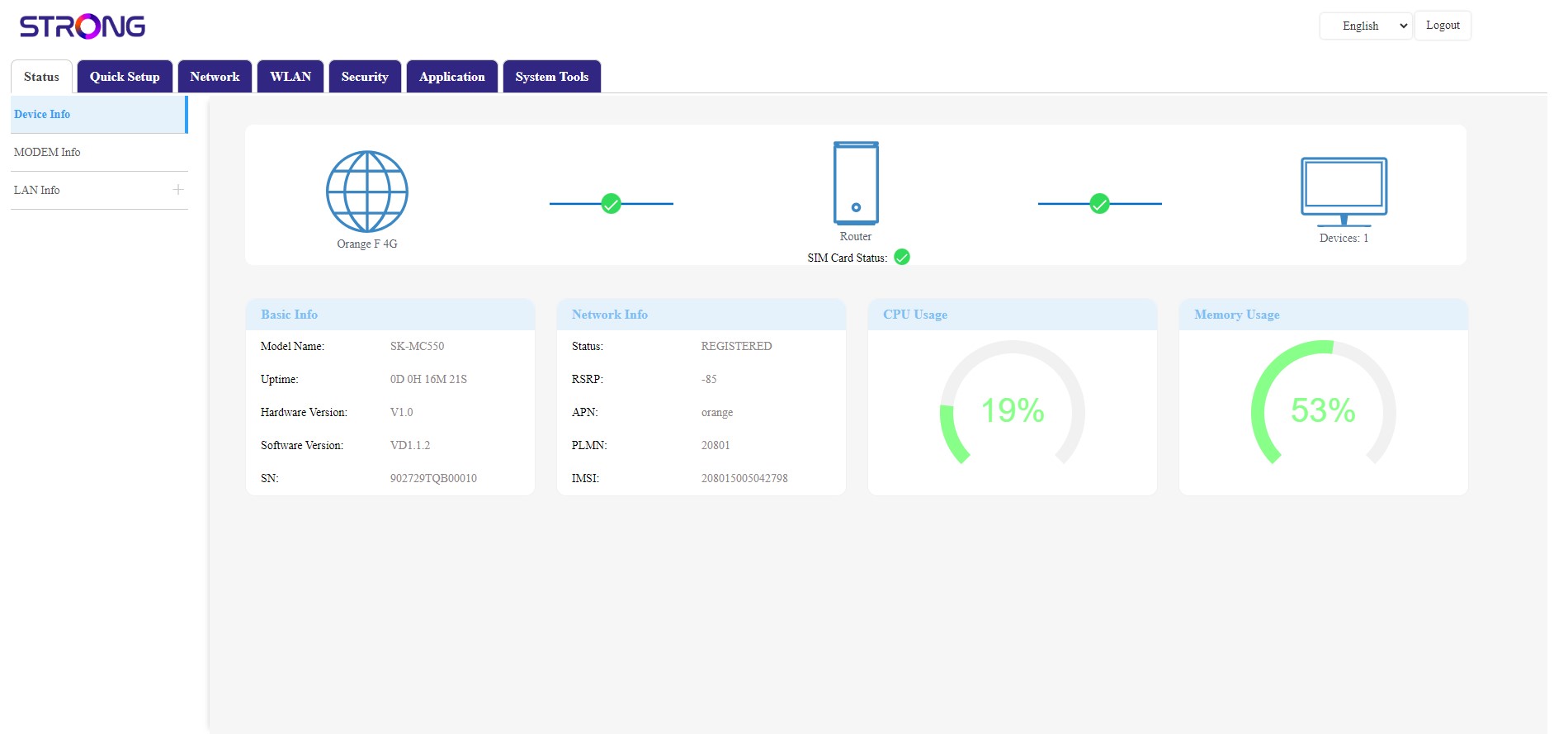
SIM karta je odblokovaná a její ikona se nyní zbarví zeleně, přičemž vedle ní se zobrazí název sítě.