
4G AIRSPOT 220 WLAN-Hotspot mit Display
Alle Fragen
4G AIRSPOT 220 WLAN-Hotspot mit Display
Wie greife ich auf die Web-Benutzeroberfläche zu?
Um auf die Web-Benutzeroberfläche zugreifen zu können, müssen Sie mit dem WLAN Ihres 4G PORTABLE HOTSPOT 150 WITH A DISPLAY/4G PORTABLE HOTSPOT 150 verbunden sein, nachdem Sie die SIM-Karte in den Steckplatz eingelegt haben.
1. Stellen Sie eine Verbindungzum WLAN-Netzwerk des Routers her
Geben Sie dazu die SSID und das Passwort des Routers in Ihr Gerät ein.
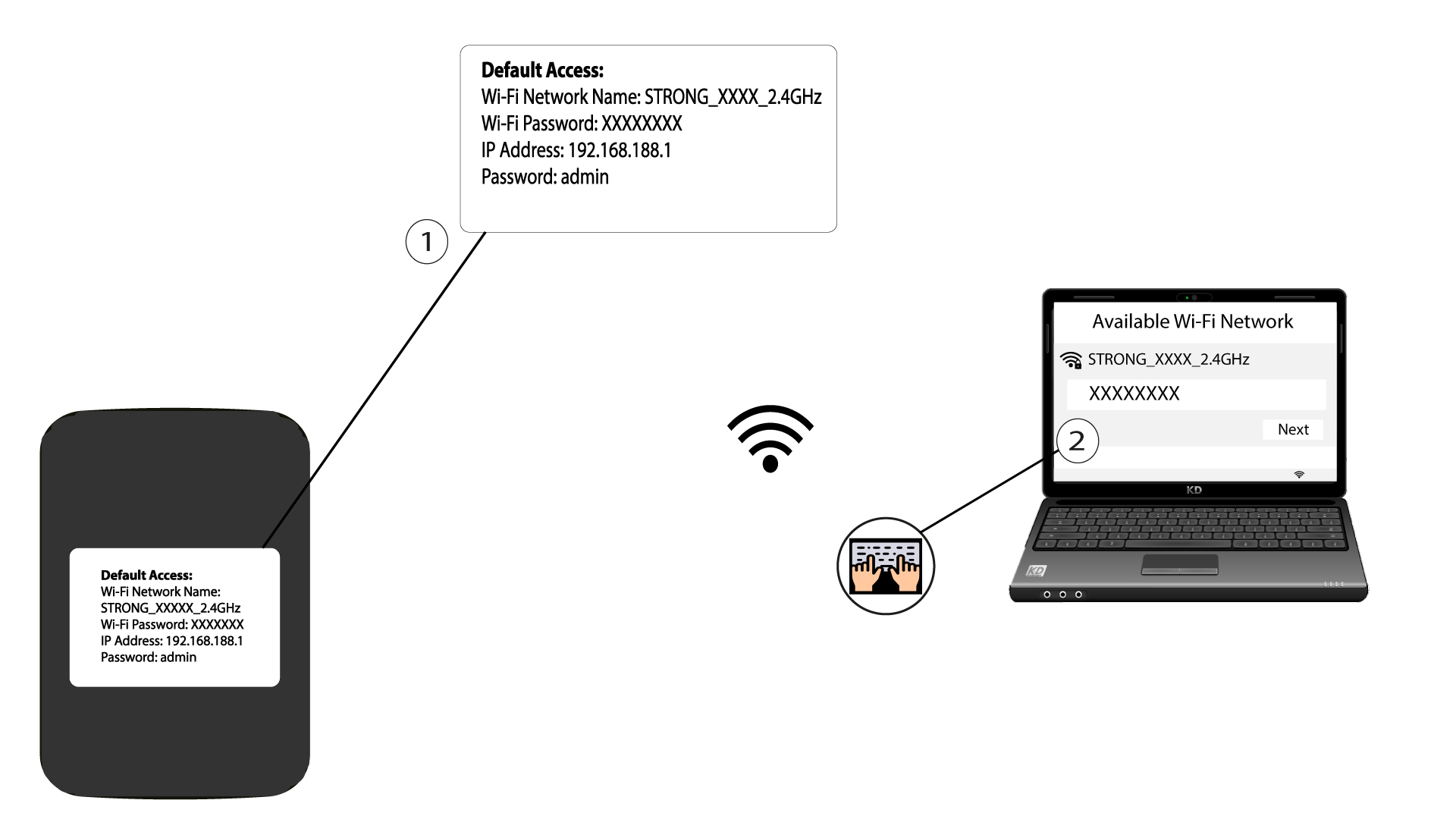
2. Rufen Siedie IP-Adresse der Web-Benutzeroberfläche auf
Geben Sie anschließend die folgende IP-Adresse in Ihren Browser ein: 192.168.188.1

3Rufen Siedie Anmeldeseite auf
Sobald Sie die IP-Adresse aufgerufen haben, müssen Sie das Passwort eingeben und auf „Anmelden“ klicken.

4Warnmeldung
Sobald die Verbindung hergestellt ist, wird eine Warnmeldung zum Administrator-Passwort angezeigt.


Warnung: Nach der ersten Verbindung empfehlen wir Ihnen dringend, das Administratorpasswort zu ändern, um den Zugriff auf den Router zu sichern und Hackerangriffe zu verhindern.