4G AIRSPOT 220 WLAN-Hotspot mit Display
Keine Artikel gefunden.
Keine Artikel gefunden.
Alle Fragen
4G AIRSPOT 220 WLAN-Hotspot mit Display
Keine Artikel gefunden.
Keine Artikel gefunden.
Wie legt man die SD-Karte in den Hotspot 150 ein?
Wie legt man die SD-Karte in den Hotspot 150 ein?
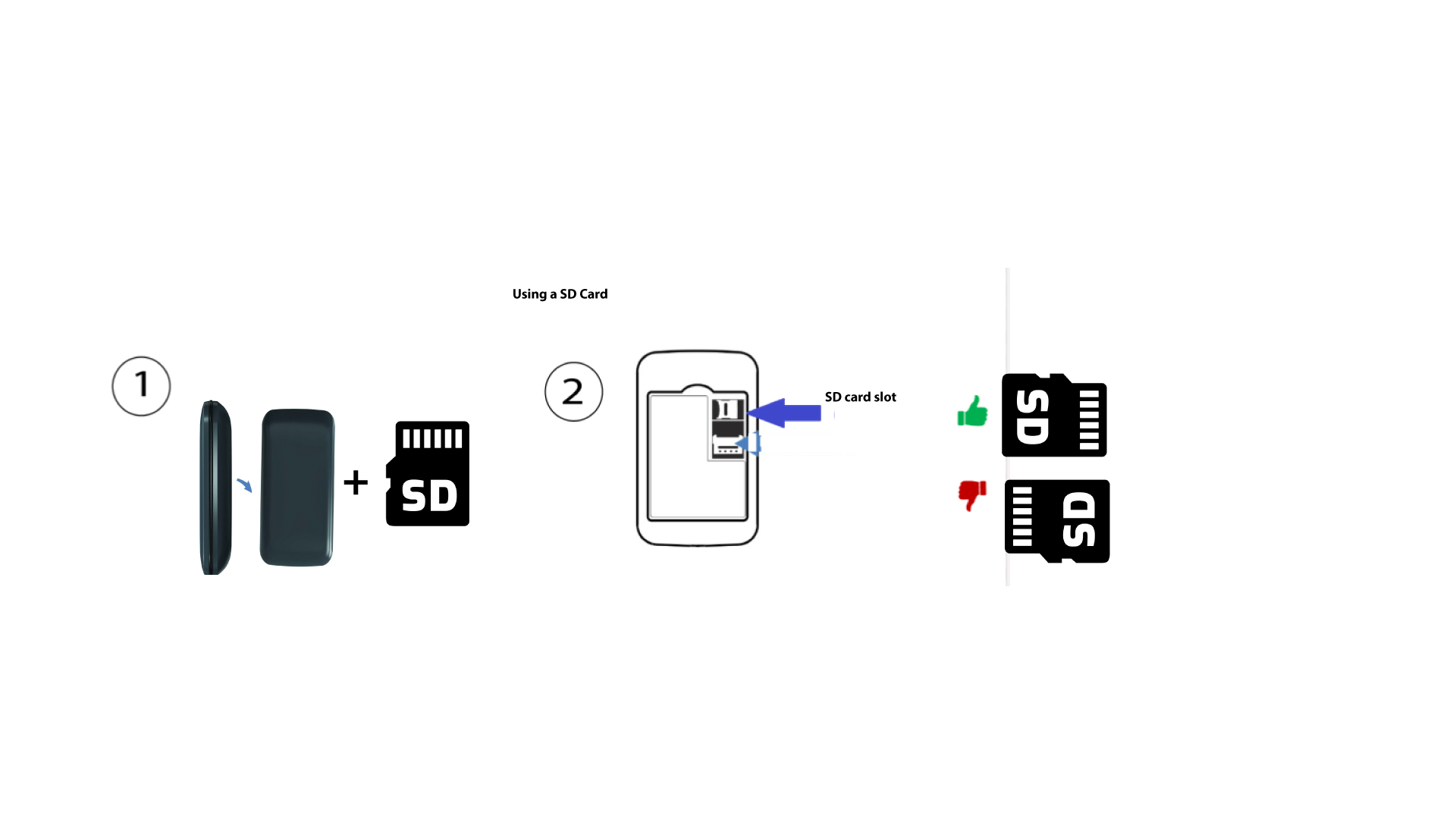
Um die SD-Karte in den Router einzulegen, müssen Sie das Gerät zunächst ausschalten, indem Sie den Netzschalter fünf Sekunden lang gedrückt halten.
1
Legen Sie die SD-Karte ein
Entfernen Sie anschließend die Abdeckung und legen Sie die SD-Karte in den dafür vorgesehenen Steckplatz oben rechts auf der Rückseite des Geräts ein.