
Wi-Fi 4G AIRSPOT 220 s displejom
Nenašli sa žiadne položky.
Nenašli sa žiadne položky.
Všetky otázky
Wi-Fi 4G AIRSPOT 220 s displejom
Nenašli sa žiadne položky.
Nenašli sa žiadne položky.
Ako sa dostanem do webového používateľského rozhrania?
Aby ste mohli pristupovať k webovému rozhraniu, musíte byť pripojení k Wi-Fi vášho zariadenia 4G PORTABLE HOTSPOT 150 WITH A DISPLAY/4G PORTABLE HOTSPOT 150 po vložení SIM karty do slotu.
1. Pripojtesa k Wi-Fi sieti routera
Na to zadajte do svojho zariadenia SSID a heslo routera.
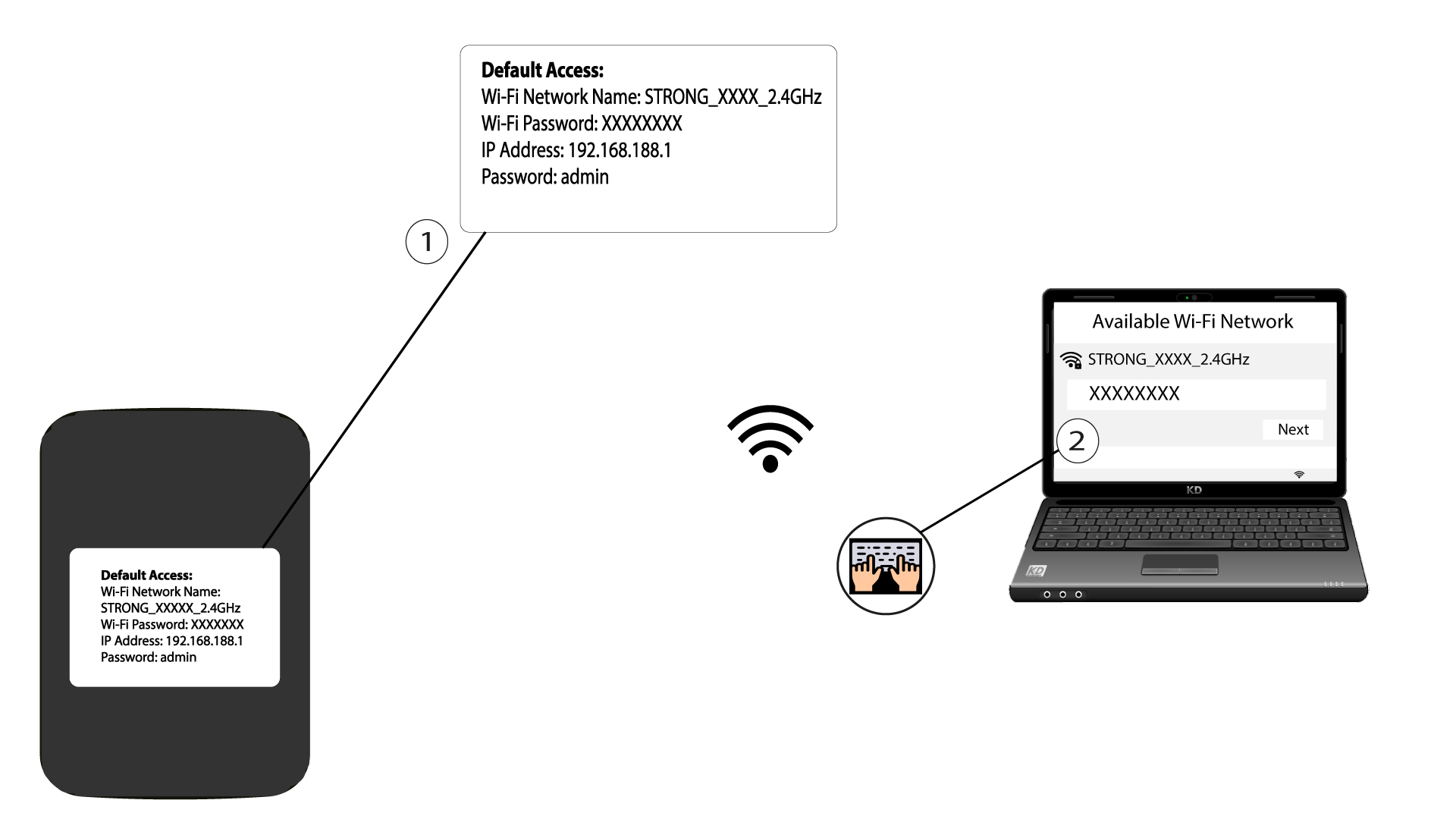
2Prejditena IP adresu webového rozhrania
Potom zadajte do prehliadača nasledujúcu IP adresu: 192.168.188.1

3Prejditena stránku prihlásenia
Po prechode na danú IP adresu je potrebné zadať heslo a kliknúť na tlačidlo „Prihlásiť sa“.

4Výstražnáspráva
Akonáhle sa prihlásite, zobrazí sa vám varovná správa týkajúca sa hesla správcu.


Upozornenie: Po prvom pripojení vám dôrazne odporúčame zmeniť heslo správcu, aby ste zabezpečili prístup k routeru a zabránili neoprávnenému vniknutiu.