Wi-Fi 4G AIRSPOT 220 s displejom
Nenašli sa žiadne položky.
Nenašli sa žiadne položky.
Všetky otázky
Wi-Fi 4G AIRSPOT 220 s displejom
Nenašli sa žiadne položky.
Nenašli sa žiadne položky.
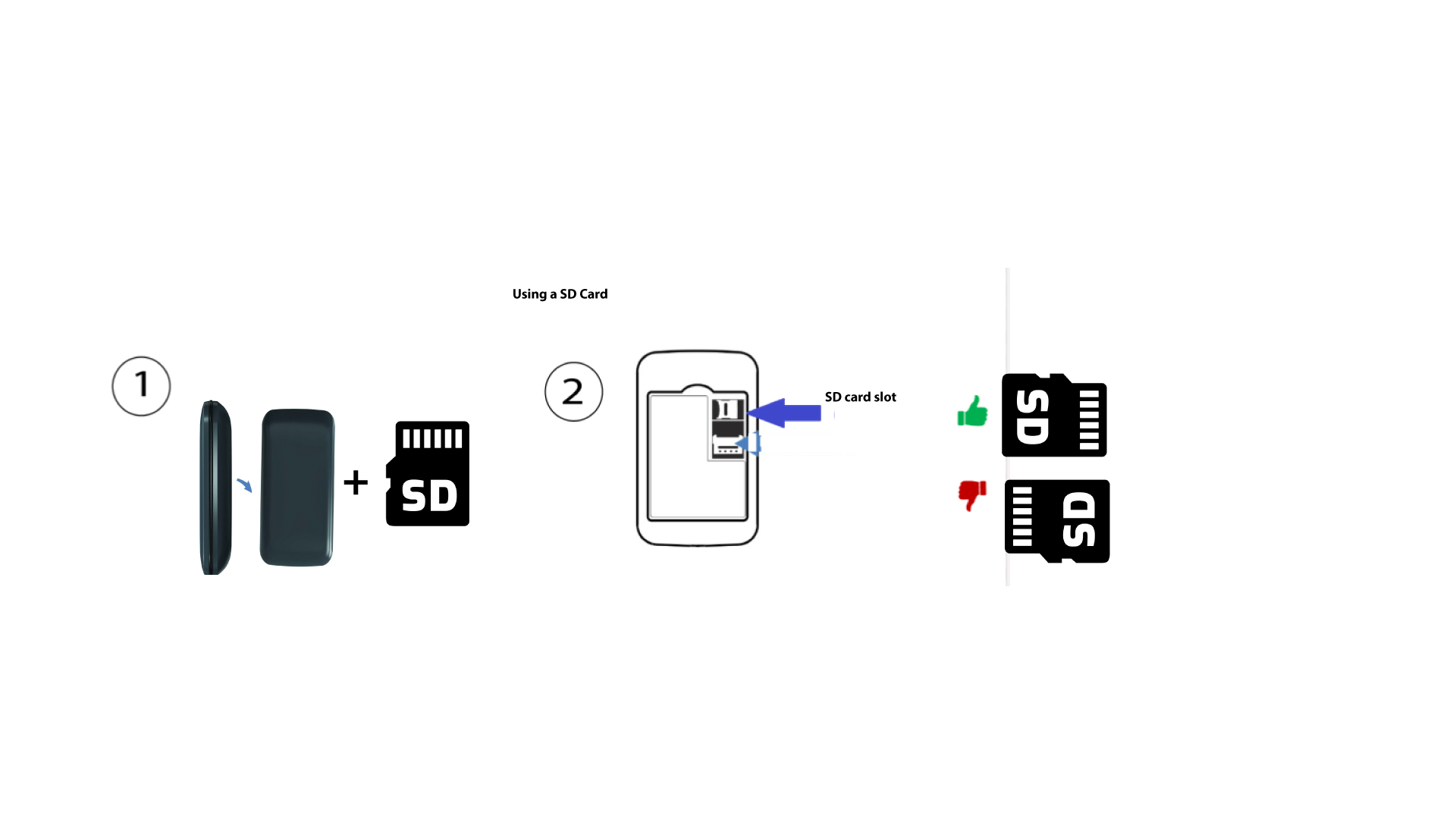
Ako vložiť SD kartu do zariadenia Hotspot 150?
Ako vložiť SD kartu do zariadenia Hotspot 150?
Ak chcete do routera vložiť SD kartu, musíte najskôr zariadenie vypnúť stlačením tlačidla napájania na päť sekúnd.
1
Vložte SD kartu
Potom odstráňte kryt a vložte SD kartu do slotu, ktorý sa nachádza v pravom hornom rohu na zadnej strane zariadenia.