
4G AIRSPOT 220 Wi-Fi med display
Inga föremål hittades.
Inga föremål hittades.
Alla frågor
4G AIRSPOT 220 Wi-Fi med display
Inga föremål hittades.
Inga föremål hittades.
Hur kommer jag åt webbgränssnittet?
För att komma åt webbgränssnittet måste du vara ansluten till Wi-Fi-nätverket på din 4G PORTABLE HOTSPOT 150 WITH A DISPLAY/4G PORTABLE HOTSPOT 150 efter att du har satt in SIM-kortet i kortfacket.
1. Ansluttill routerns Wi-Fi-nätverk
För att göra detta anger du routerns SSID och lösenord på din enhet.
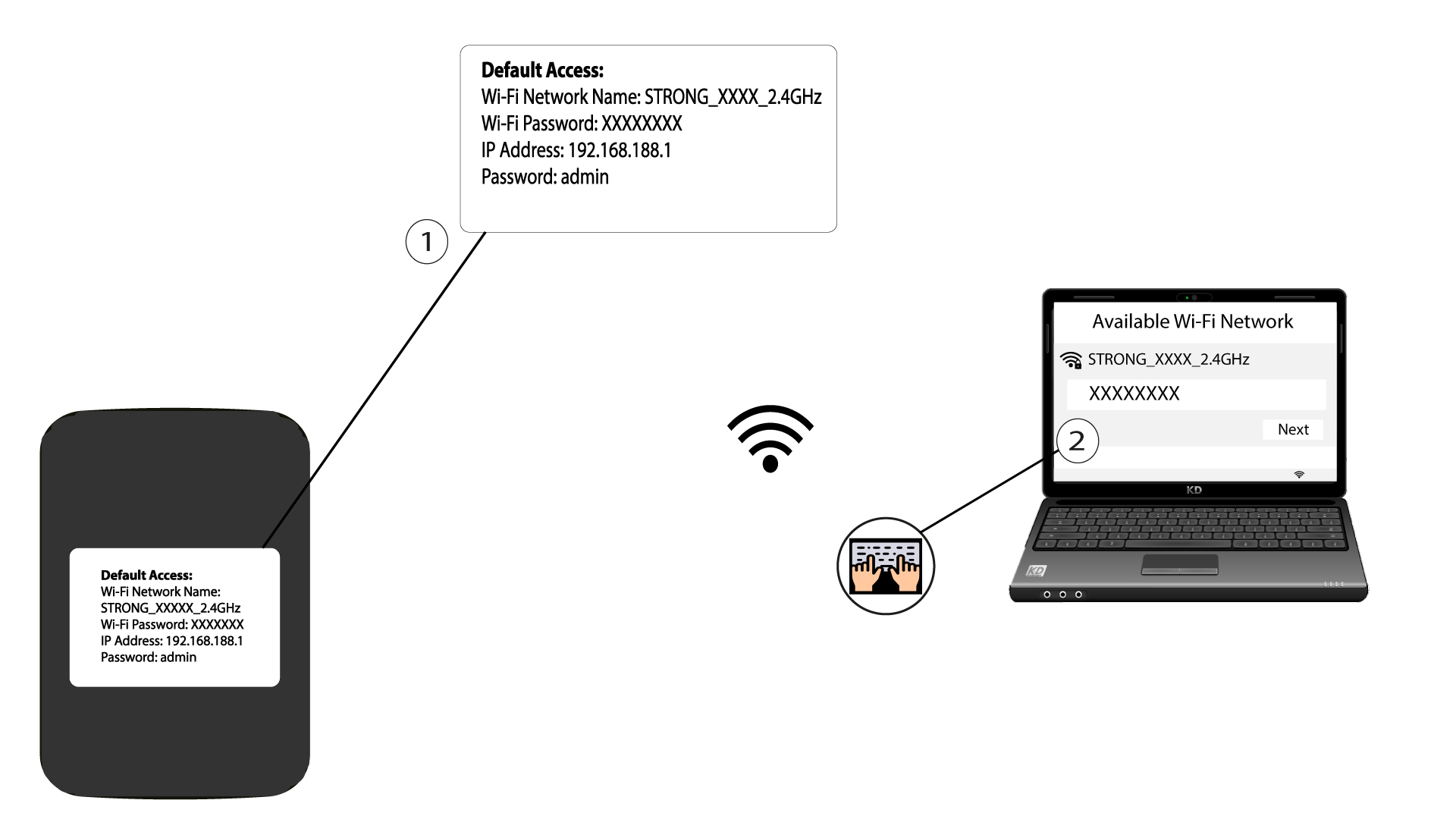
2. Gåtill webbgränssnittets IP-adress
Ange sedan följande IP-adress i din webbläsare: 192.168.188.1

3 Gå tillinloggningssidan
När du har gått till IP-adressen måste du ange lösenordet och klicka på ”Logga in”.

4Varningsmeddelande
När du har anslutit dig kommer du att se ett varningsmeddelande om administratörslösenordet.


Varning: Efter den första anslutningen rekommenderar vi starkt att du byter administratörslösenordet för att säkra åtkomsten till routern och förhindra intrång.