4G AIRSPOT 220 Wi-Fi med display
Inga föremål hittades.
Inga föremål hittades.
Alla frågor
4G AIRSPOT 220 Wi-Fi med display
Inga föremål hittades.
Inga föremål hittades.
Hur sätter man in SD-kortet i Hotspot 150?
Hur sätter man in SD-kortet i Hotspot 150?
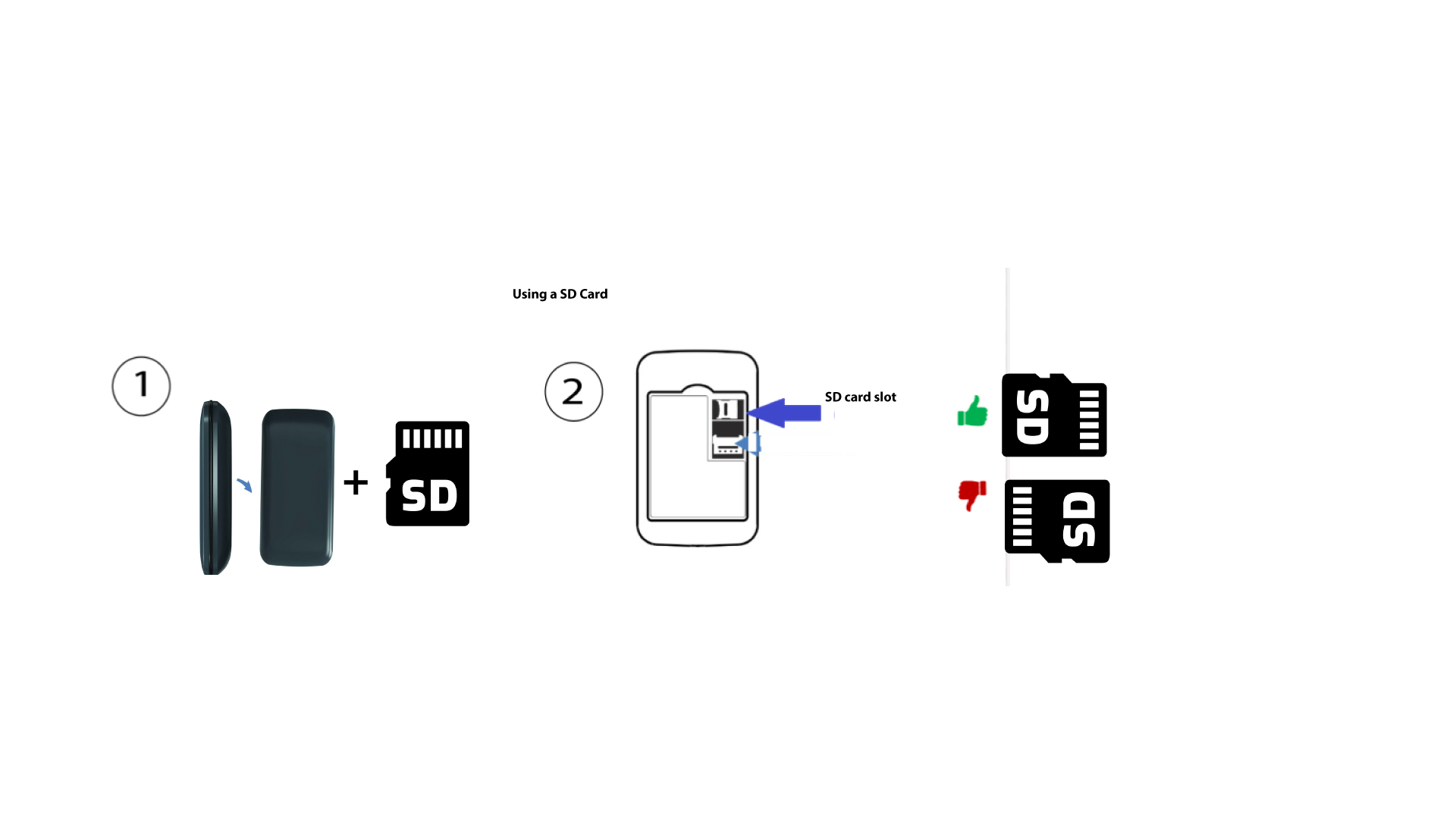
För att sätta in SD-kortet i routern måste du först stänga av enheten genom att hålla strömbrytaren intryckt i fem sekunder.
1
Sätt i SD-kortet
Ta sedan bort locket och sätt in SD-kortet i kortfacket uppe till höger på enhetens baksida.