4G AIRHOME 310 s odnímateľnými 4G anténami
Nenašli sa žiadne položky.
Nenašli sa žiadne položky.
Všetky otázky
4G AIRHOME 310 s odnímateľnými 4G anténami
Nenašli sa žiadne položky.
Nenašli sa žiadne položky.
Ako môžem zmeniť heslo a používateľské meno správcu?
1. Otvortewebové používateľské rozhranie
Ak sa chcete pripojiť k webovému používateľskému rozhraniu, postupujte podľa pokynov uvedených v:
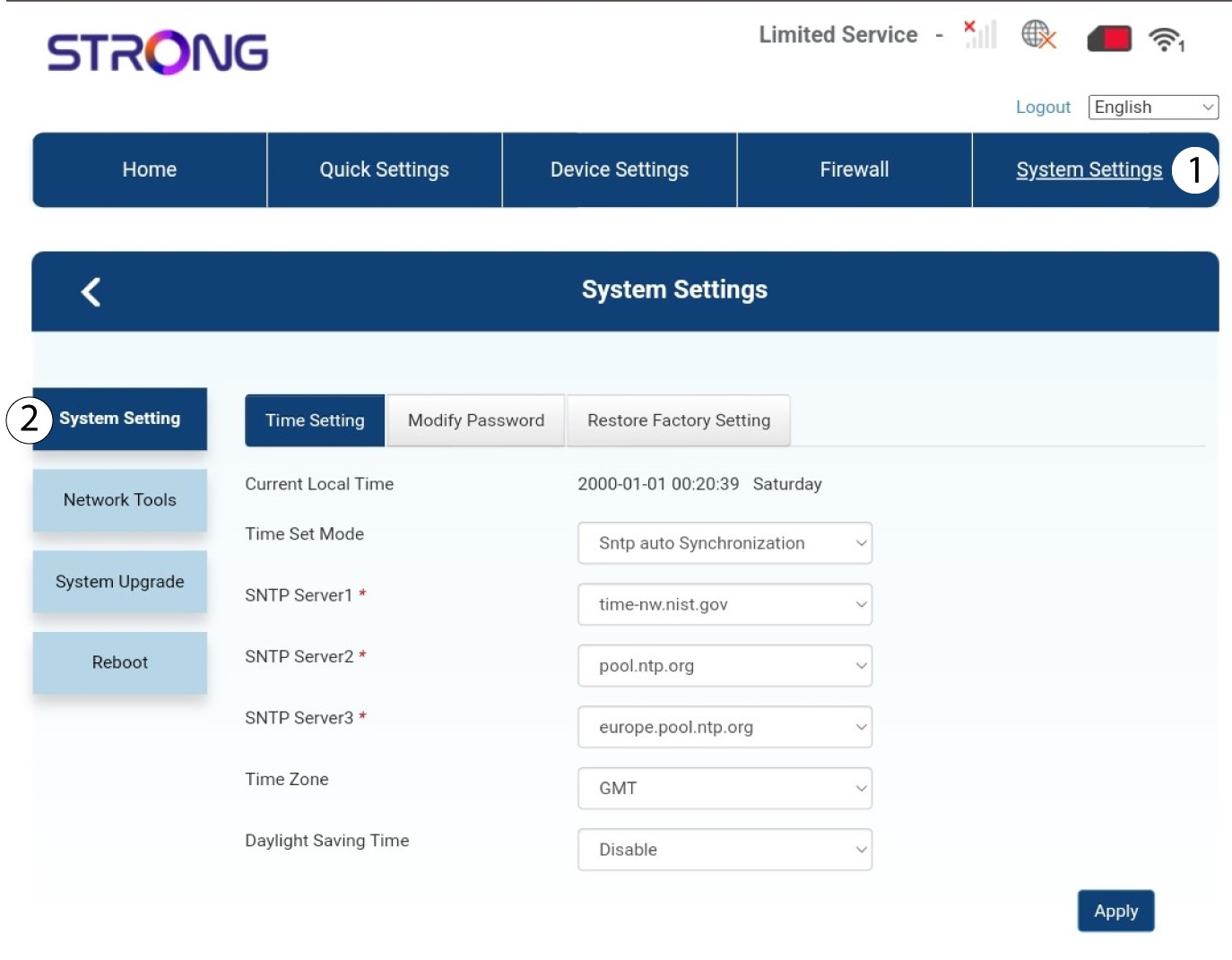
2. Nastavenia systému
Akonáhle to urobíte, kliknite na kartu „Nastavenia systému “ a vyberte položku „Nastavenia systému“.
3Zadajtenové údaje
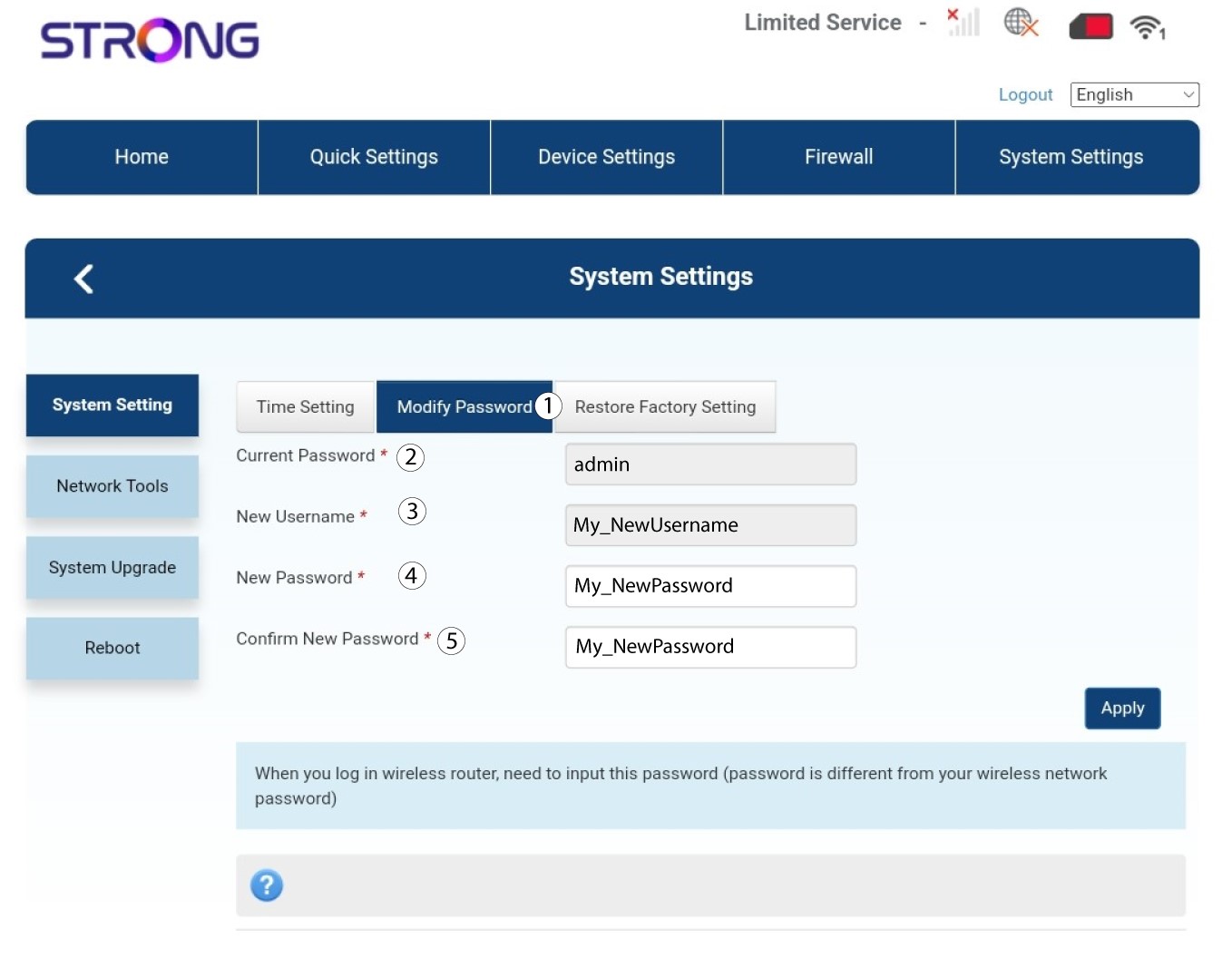
Kliknite na „Zmeniť heslo“ a zadajte nasledujúce údaje:
• Aktuálne heslo: Zadajte aktuálne heslo.
• Nové používateľské meno: Zadajte nové používateľské meno.
• Nové heslo: Zadajte nové heslo.
• Potvrďte nové heslo: Zadajte rovnaké heslo ako v predchádzajúcom poli.
4. Uložteinformácie
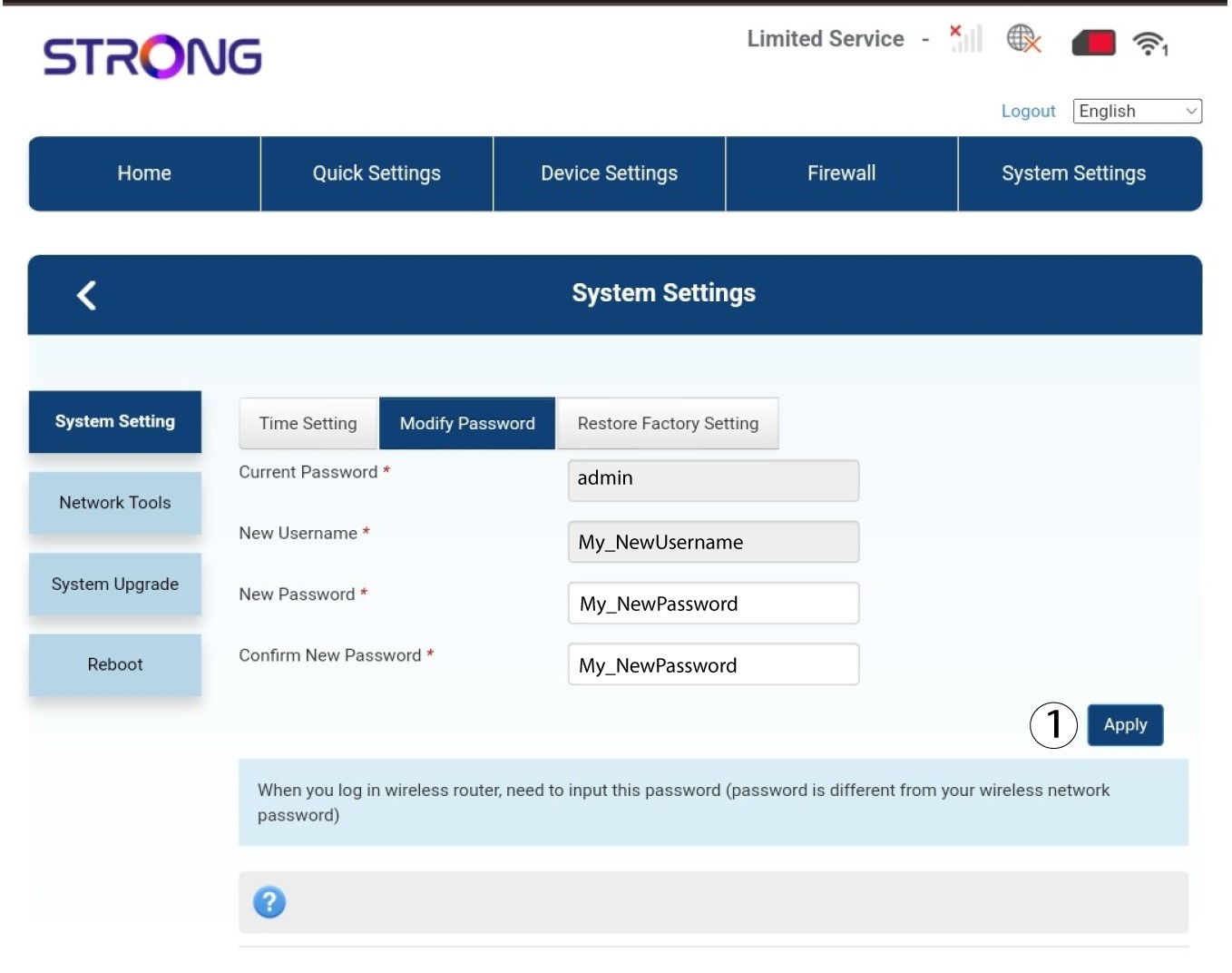
Kliknite na tlačidlo „Použiť“.